You never said there was a minimum.”
Set your terms before the first job
A free, fill-in-the-blank guide to put your terms in writing before there’s a bill.
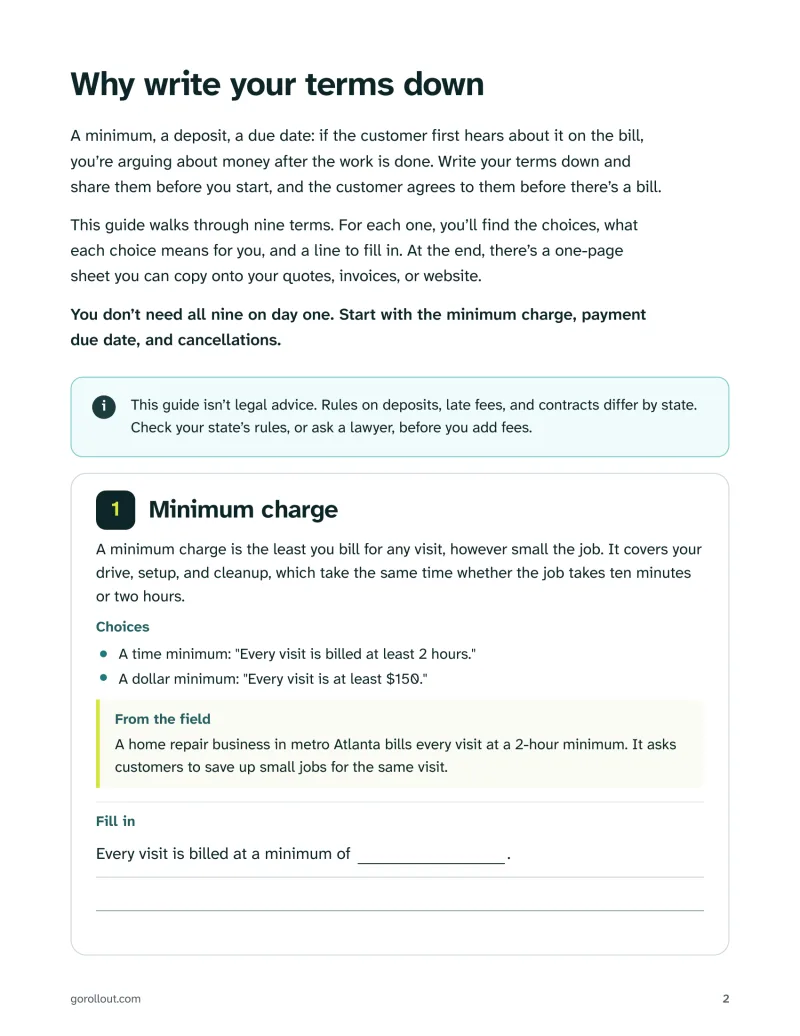
Nine terms, each with a line to fill in
For each term, the guide lists the choices, what each one means for you, and a line for your answer. You don’t need all nine on day one. Start with these three:
Minimum charge
The least you bill for any visit, however small the job.
When payment is due
One rule for every invoice: on completion, or within a set number of days.
Cancellations and no-shows
What a late cancellation or a locked door costs.
And six more.
To work out your minimum charge, use the hourly rate calculator. To price materials, use the material markup calculator.
Where Rollout handles a term, the guide says how: deposits on quotes, a payment due date on every invoice, overdue invoice reminders, and a markup on materials.
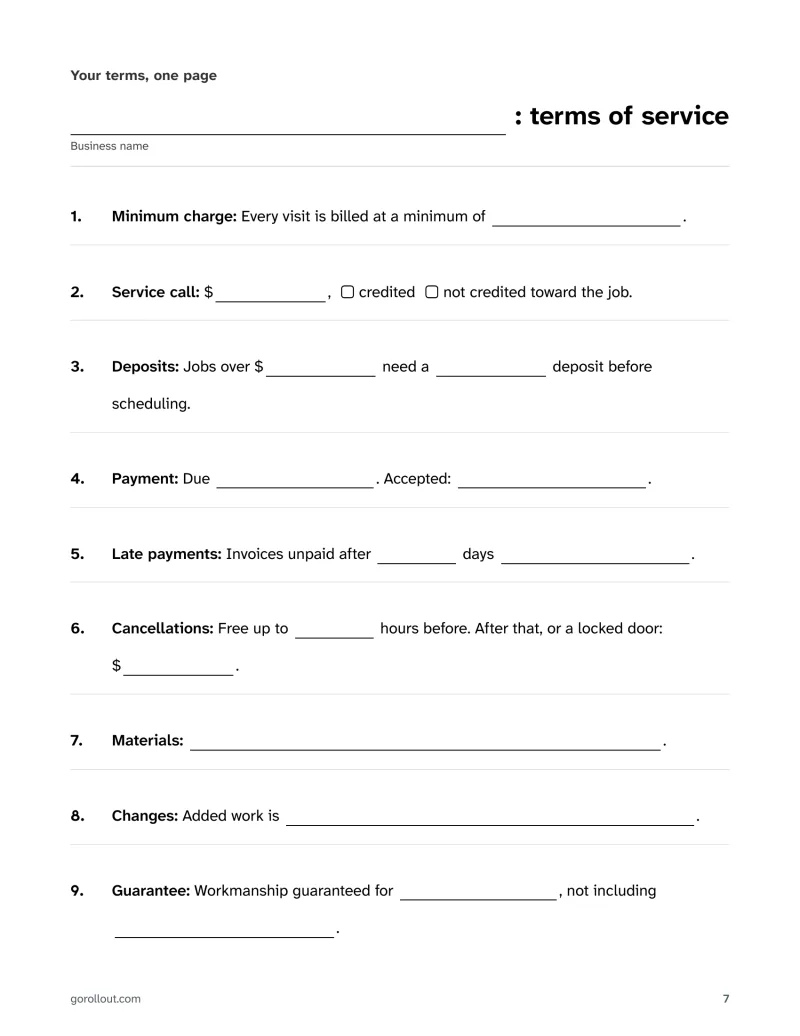
Finish with your terms on one page
The last page puts all nine terms on one sheet, with blanks for your answers. Fill it in once, then share it, so customers see your terms before there’s a bill.
- 1Put them on every quote, so approving the quote means agreeing to them.
- 2Put your payment terms on every invoice. In Rollout, use the invoice Notes field.
- 3Add them to your website, or send them with your booking confirmation.
The guide isn’t legal advice. Rules on deposits, late fees, and contracts differ by state. Check your state’s rules, or ask a lawyer, before you add fees.
Get the free guide by email
Eight pages, nine terms, one sheet to fill in.